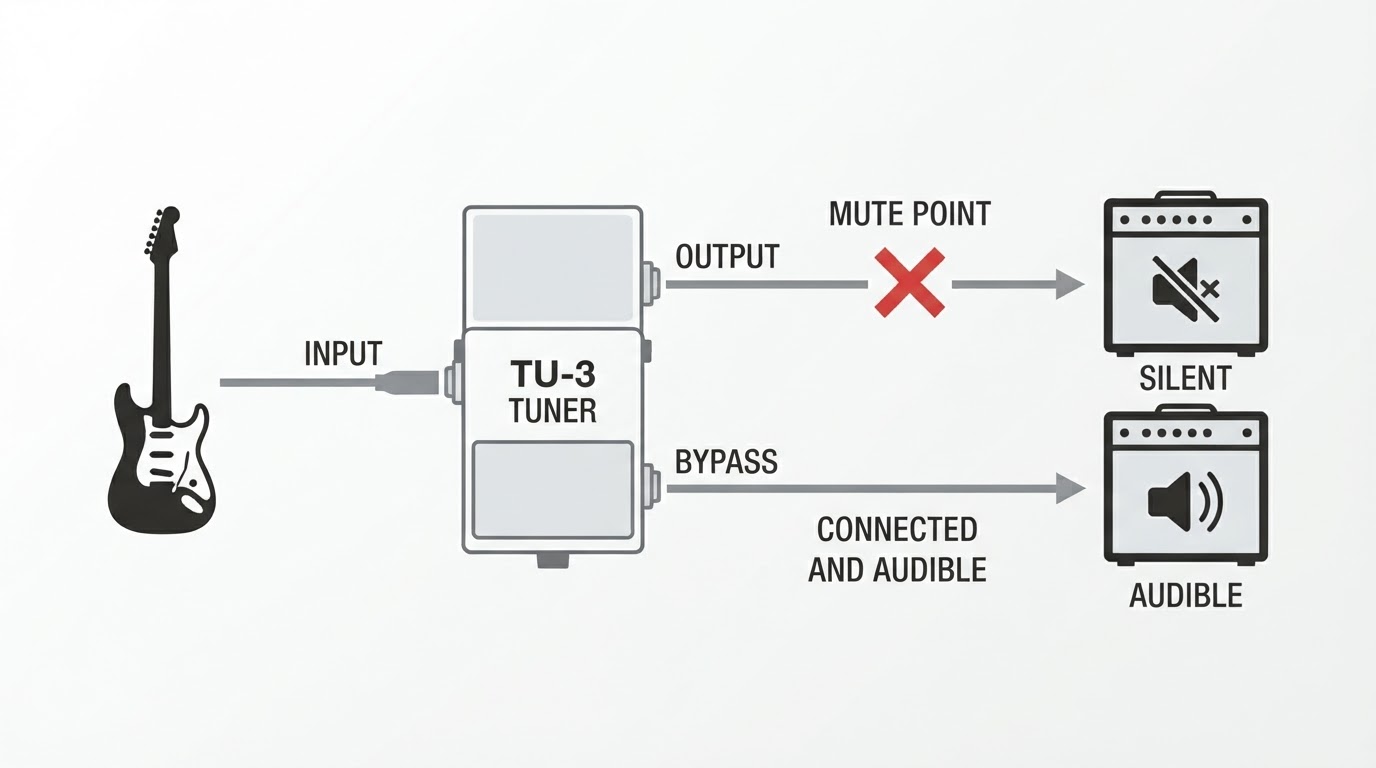
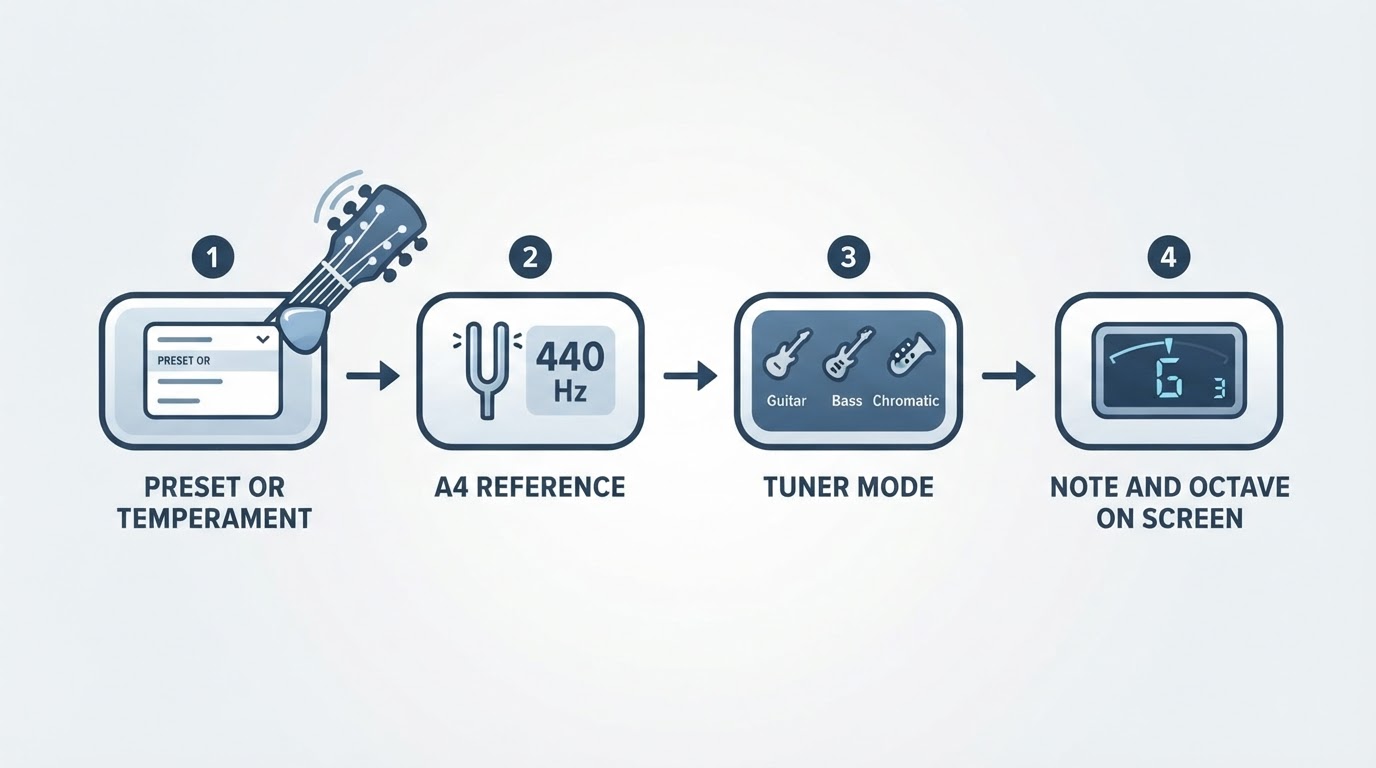
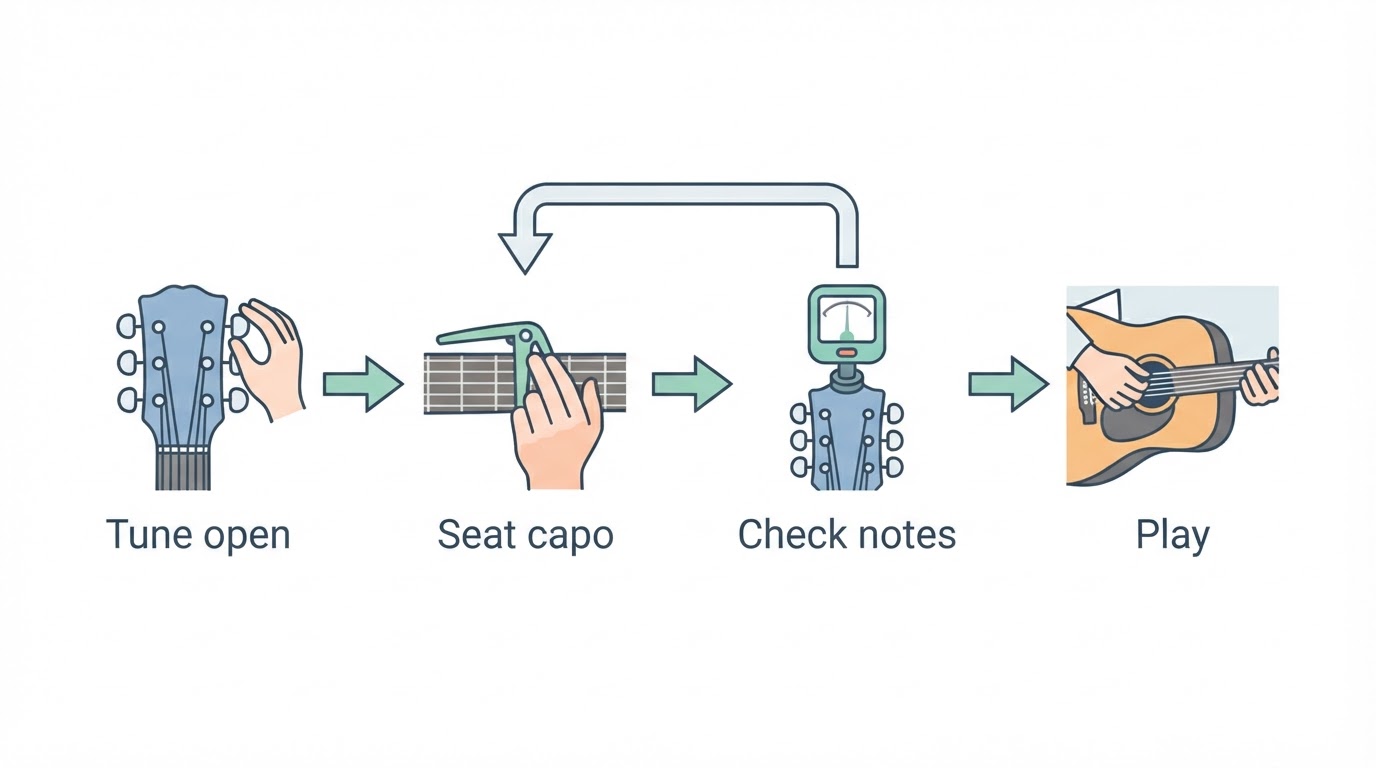
The short answer: check the note name before the octave
Start with the note name on the display and the string you actually played. If the letter matches that string's expected note, the reading may be a labeling or harmonic question rather than a string that is far out of tune. If the letter is different, several causes are still possible: the wrong string, the wrong tuner mode, or a reference setting that has moved. Work through the checks below before tightening anything.
What the octave number means
This assumes standard tuning with A4 at 440 Hz. Thickest to thinnest, the open strings are E2, A2, D3, G3, B3 and E4, at these calculated equal-tempered targets:
String | Note | Target |
|---|---|---|
6 (thickest) | E2 | 82.41 Hz |
5 | A2 | 110.00 Hz |
4 | D3 | 146.83 Hz |
3 | G3 | 196.00 Hz |
2 | B3 | 246.94 Hz |
1 (thinnest) | E4 | 329.63 Hz |
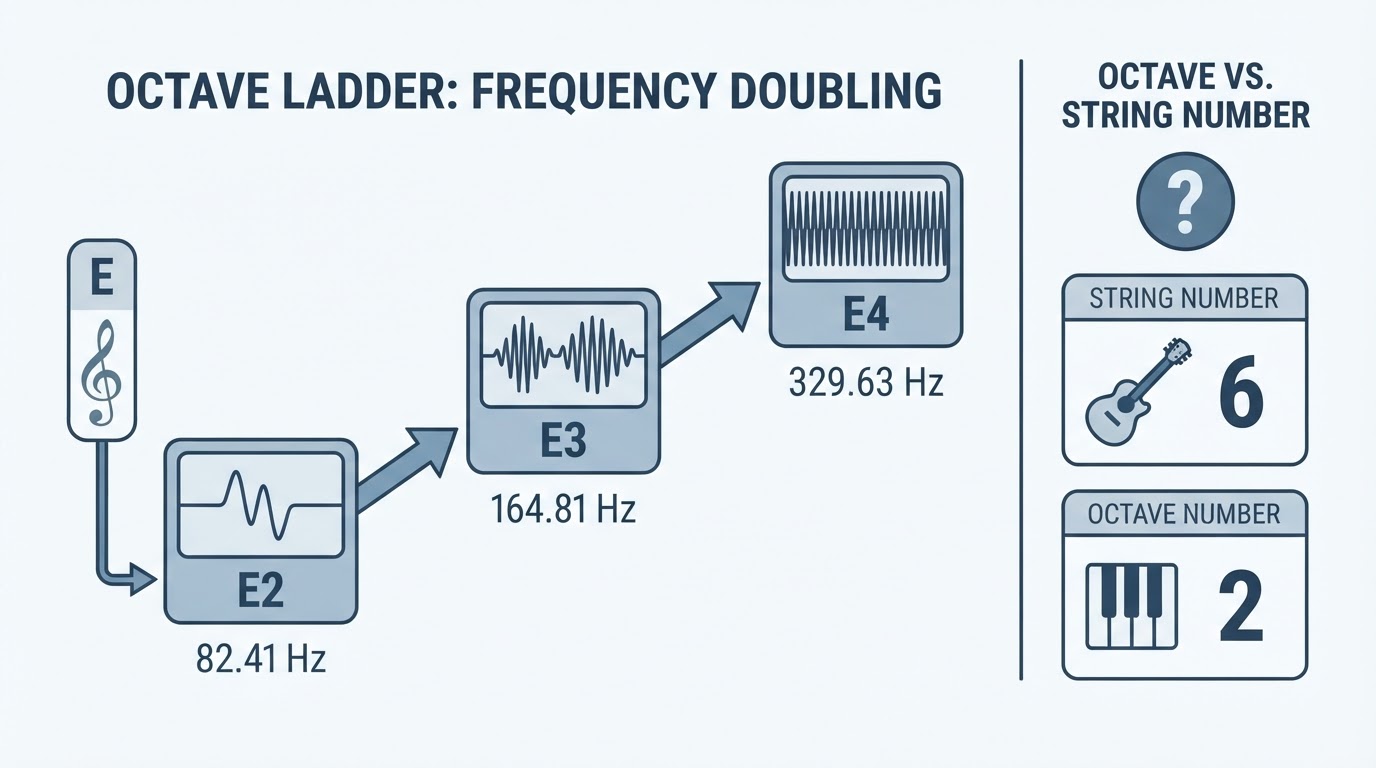
An octave doubles the frequency rather than moving one scale step. E2 at 82.41 Hz, E3 at 164.81 Hz and E4 at 329.63 Hz are the same letter in three octaves. A display such as "6E" conventionally means string 6, note E: a string count, not an octave.
Why a tuner can report the wrong octave
The Octave Tuner developer FAQ notes that a plucked low string contains many harmonics and that some tuners can lock onto an overtone and report the wrong octave instead of tracking the fundamental; it says its own detector follows the fundamental. Treat that as a manufacturer's account of a known limit. It describes one possible mechanism, not proof of what your tuner is doing or of what any particular string needs.
If the letter is right and the octave looks one step high, try muting the other strings, plucking gently, and letting the note sustain. If the reading settles onto the expected note, an overtone is a plausible explanation. If it does not settle, keep the question open and continue with the checks below.
Five checks before you turn a peg
Identify the string. Count from the thinnest string as 1; the low E is string 6.
Check the mode and the reference. Instrument modes assume a particular string set, and a mode chosen for another instrument can point at a different note. Keep two settings separate. A capo or a flat tuning changes the notes you intend to play. An A4 reference, such as 435 Hz instead of 440 Hz, shifts the frequency targets behind the same letter names; it does not by itself turn E into a different letter or octave. If every string shares one offset, settle calibration as its own task rather than retuning string by string.
Mute the others and pluck once. Adjacent ringing strings give the tuner several pitches at once; one clean sustained pluck is easier to read than a strum.
Compare two strings for relative agreement. Fret the low E at the fifth fret and compare it with the open A string; both should produce A2. Agreement confirms only that the two strings agree with each other. Both could be wrong together in absolute pitch or in octave, so this comparison does not prove that the display, the fretted note, or the open string is correct.
Use an independent reference for the intended octave. To test the octave itself, compare against a source whose pitch you trust for that specific note. A keyboard or piano with labeled keys lets you play A2 beside the open A string. A second tuner offers another opinion, but it can share the same kind of octave error, so it is the weaker check. A tuning fork gives a fixed A4, which is two octaves above the guitar's open A string; use it to anchor what A4 sounds like, then work down by octave rather than expecting the open A to match it directly.
When the tuner shows the wrong note, not just the wrong octave
A wrong letter opens several possibilities rather than pointing to one fault. If the tuner says D while you play the high E, check which string you actually hit, whether the selected mode matches the instrument, and whether a reference setting moved. The clip-on tuner troubleshooting guide follows the same branches — no note, an unsettled note, or a wrong note — and checks mode and reference before any peg is turned.
Decision table: what to check before tuning
What you see | Possible cause or check | Safe next step |
|---|---|---|
Right letter, wrong octave | An overtone is one possibility; a string number may also be read as an octave number | Mute the others, pluck gently, confirm the string, then compare an independent reference |
Different letter | Wrong string, wrong mode, or a moved reference setting are all possible | Identify the string, check mode and reference, then tune |
Reading flickers between notes | Two strings ringing, or a note that has not settled | Mute the others, pluck once, let it sustain |
Same offset on every string | A reference or calibration setting is one candidate | Check the A4 reference separately from capo and flat tunings |
Correct note, but the guitar still sounds wrong | Another string may be out of tune, the tuning may not match the one you intended, or setup and intonation may contribute | Check every string's note before assuming setup or intonation is the cause |
Stop before the peg feels wrong
Never tighten the low E by an octave to satisfy an app label. Reaching E3 from E2 doubles the target frequency, far beyond a normal adjustment, and the added tension can break a string. If the peg feels much tighter than usual, or the note sounds wrong to you and to an independent reference, stop and recheck the mode, the reference, and the string. The Octave Tuner FAQ describes the harmonic mechanism above.