What "Calibration" Actually Changes
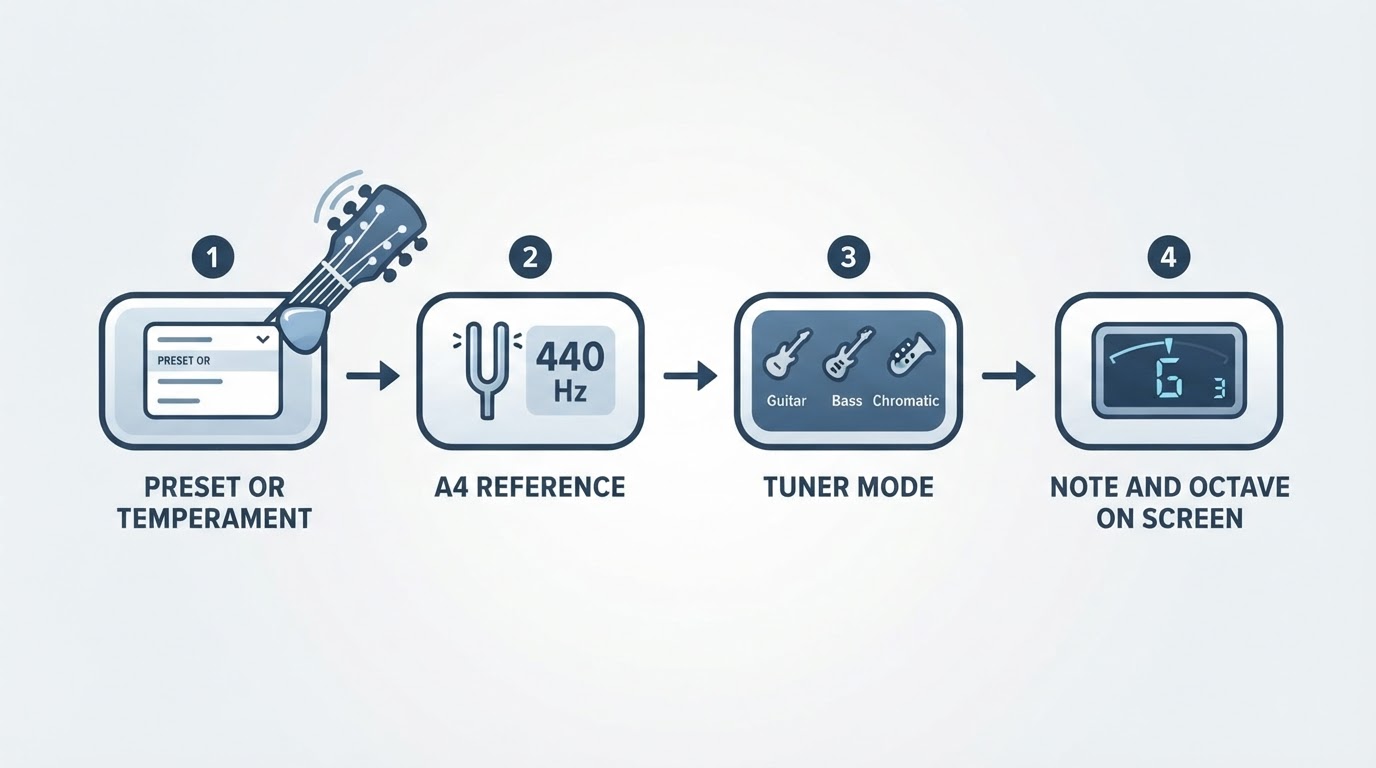
Calibration means setting the reference pitch that the tuner treats as A4. 440 Hz is a common reference value, and on models that support reference adjustment you can change it for a band, a recording, or an instrument away from concert pitch. Your exact model's manual is the authority on that setting.
Two things this setting is not:
- It is not a hardware accuracy fix and does not verify or repair detection accuracy. Korg's published +/- 1 cent detection and +/- 1.5 cent sound accuracy for the CA-2 (specifications) describe the model's specification; they do not prove every individual unit currently meets them, and they do not change with the reference value.
- It is not a way to make every string read 440 Hz. In standard tuning the open strings are E2, A2, D3, G3, B3, and E4. With A4 = 440 Hz, the open A string is A2 at 110 Hz; the low E sits near 82.41 Hz and the high E near 329.63 Hz. The guitar tuning frequency chart lists the calculated values.
Reference adjustment is also not alternate tuning. Drop D or Open G change which notes the strings produce; moving the A4 reference shifts the frequency assigned to every note, in the Hz increments your model documents. When a band or recording has a confirmed target reference, matching it is intentional, not a mistake. Not every tuner allows reference adjustment, so check your model.
How to Check and Set Your Tuner's Reference
The exact control differs by model, so treat this as an order of operations rather than a button sequence.
- Identify the exact model and open its manual. Documented ranges differ: Korg's CA-2 covers A4 = 410-480 Hz in 1 Hz steps (specifications, product page), while the Sledgehammer clip-on covers 436-445 Hz in 1 Hz steps (specifications).
- Find the reference-pitch setting. It may be labeled calibration, reference pitch, or a Hz value in a settings menu.
- Select the confirmed A4 value. 440 Hz is a common reference, not a universal requirement.
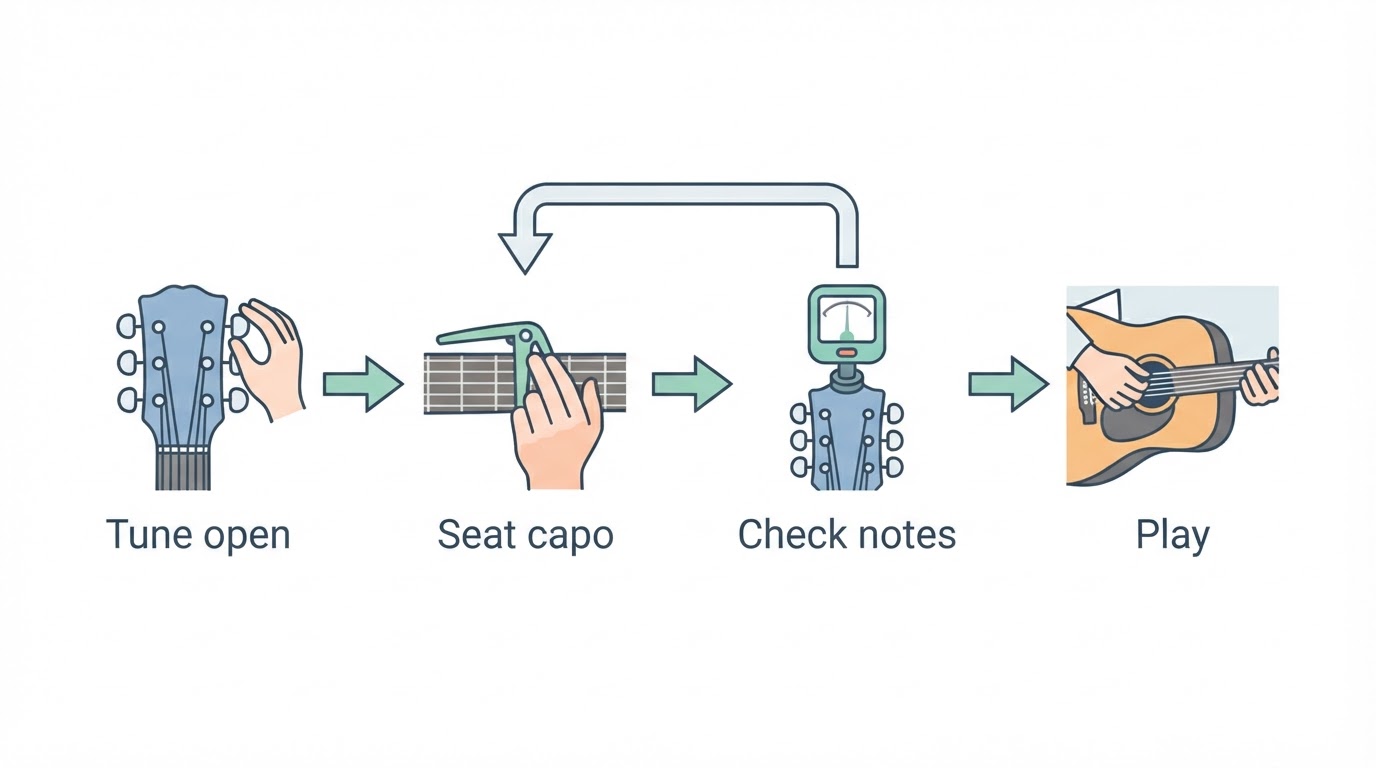
- Verify the display and clear unintended offsets. Confirm the readout shows the expected reference, and check that no flat or capo setting is engaged; those request semitone transposition, a different control.
- Compare against a known, independently matched reference. Set a second tuner or a reference tone to the same A4 value, then pluck one clean open string with the others muted and let the reading settle. That confirms your selected setting; it is not a hardware accuracy test.
Reference vs. Flat vs. Capo
Setting | What it changes | Documented example | What it is not |
|---|---|---|---|
Reference (A4 calibration) | The frequency the tuner assigns to A4 | Korg CA-2: 410-480 Hz in 1 Hz steps; Korg Sledgehammer: 436-445 Hz in 1 Hz steps | A Hz-based setting, not a semitone transposition control, and not a hardware accuracy recalibration |
Flat | Requests the target lowered by whole semitones | Korg Sledgehammer: 1-5 semitones below the reference | Not the same as changing the A4 reference value in Hz |
Capo | Requests the target raised by whole semitones to match a capo position | Korg Sledgehammer: 1-7 semitones above the reference | Not a reference-pitch change |
The controls do different jobs: the reference changes the frequency assigned to A4 in documented Hz increments, while flat and capo request semitone transposition. Across a wide supported range such as 410-480 Hz, the total shift from a reference change need not be less than a semitone, so don't assume it is always a small fractional nudge. An intentional band reference or transposition isn't wrong; only an unintended mismatch is. Check which settings are active before retuning.
One String or All Six: Reading the Pattern
The pattern points to where to look next, without diagnosing the instrument:
- Every string reads sharp or flat by about the same amount. Check the settings first: confirm the A4 value, then look for an engaged flat or capo setting before touching the tuning pegs. A uniform offset does not prove the tuner caused it — the guitar may simply be tuned to a different reference than yours.
- One string is off while the others are fine. That is a single-string question, not a calibration question, and not evidence the reference is wrong.
- Two tuners disagree. If they are set to different references, the disagreement proves only that, not damage to the guitar.
When results look odd, reset to a verified normal setup: your confirmed A4 value with flat and capo off. Do not loosen or tighten every string blindly, and leave truss-rod or hardware repair to a qualified technician.
How You Know You're Done
The check is complete when all four conditions hold:
- The readout shows the A4 reference you intended.
- No flat or capo offset is active.
- One clean open string agrees with a known, independently matched reference.
- Repeating the check produces the same reading.
If the display never reacts to any string, treat that as a detection problem rather than a reference-pitch problem; the clip-on tuner troubleshooting guide covers registration and detection faults. Frequency math for another tuning is a separate task.