Tune a bass in about a minute
The fastest way to tune a bass needs no app store, no account, and no hardware: open a tuner in your browser, let it use your device's microphone, and play one string at a time. Pluck the string evenly, watch the note settle, turn the tuning peg a small amount, and move to the next string. On a four-string bass, the whole loop takes about a minute once you have done it a few times.
You need three things: a room quiet enough that the microphone hears the string rather than the room, an even pluck, and a tuner that expects bass notes instead of guitar notes. An electric bass does not need to be plugged in — the string itself is loud enough for a nearby microphone — but keep the instrument close to the device and mute the strings you are not tuning. If you cannot use a microphone, you can tune from a reference tone or from the strings themselves; both methods are below.
Standard bass tuning notes, with octaves
Standard tuning on a four-string bass, from the thickest string to the thinnest:
String | Note | Octave | Approximate frequency |
|---|---|---|---|
4th (thickest) | E | E1 | 41.2 Hz |
3rd | A | A1 | 55.0 Hz |
2nd | D | D2 | 73.4 Hz |
1st (thinnest) | G | G2 | 98.0 Hz |
A five-string bass adds a low B below the E:
String | Note | Octave | Approximate frequency |
|---|---|---|---|
5th (lowest) | B | B0 | 30.9 Hz |
4th | E | E1 | 41.2 Hz |
3rd | A | A1 | 55.0 Hz |
2nd | D | D2 | 73.4 Hz |
1st | G | G2 | 98.0 Hz |
A six-string bass adds a high C on top: C3, about 130.8 Hz.
The octave number matters. The bass low E is E1, roughly 41 Hz. A guitar's low E is E2, an octave higher at about 82 Hz. If a tuner is set to guitar, it may refuse to lock onto the bass E or B, or it may read an octave off. Choose a bass or chromatic setting when the tool asks what you are tuning.
Step by step: tuning a bass with a browser tuner
- Open the tuner and allow microphone access. A browser tuner runs in a tab. When the browser asks for microphone permission, allow it; the tuner hears your bass through the device's mic.
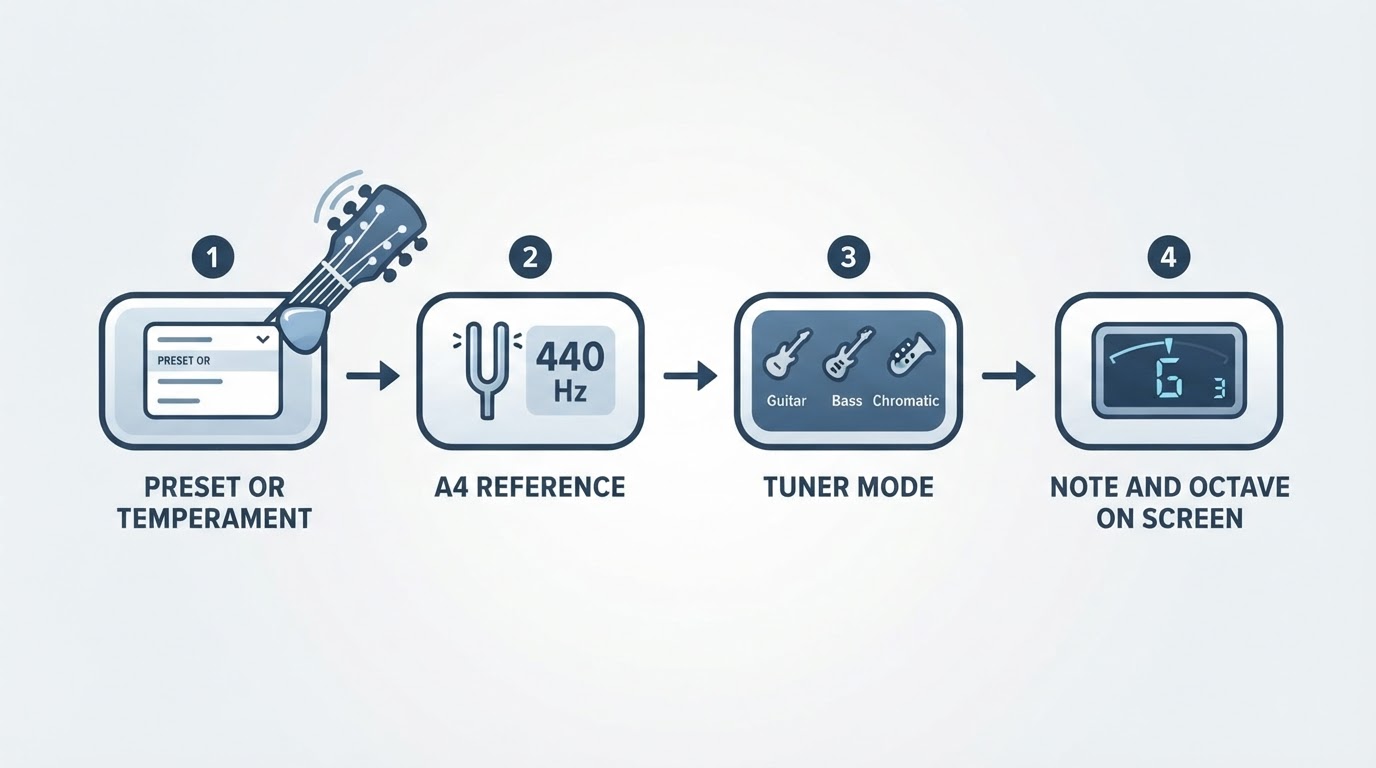
- Choose the right tuning. Pick standard four-string tuning, or five-string if you have a low B. If the tool lists presets by instrument, pick the bass one so the expected notes go all the way down to E1 or B0.
- Pluck one string and let it ring. Use an even, medium pluck with your finger or a pick, a little away from the bridge. Mute the other strings with your palm or fretting hand so the tuner hears one note at a time.
- Turn the peg until the note centers. The display shows whether the note is flat (too low), sharp (too high), or in tune. Flat: tighten the string. Sharp: loosen it slightly past the note, then bring it back up to pitch. Small quarter-turns are enough; the tuning gear multiplies your hand movement.
- Recheck every string, low to high. A change in tension on one string can shift the neck slightly and pull the others. Go through all four or five strings once, then repeat quickly — the second pass usually takes a few seconds.
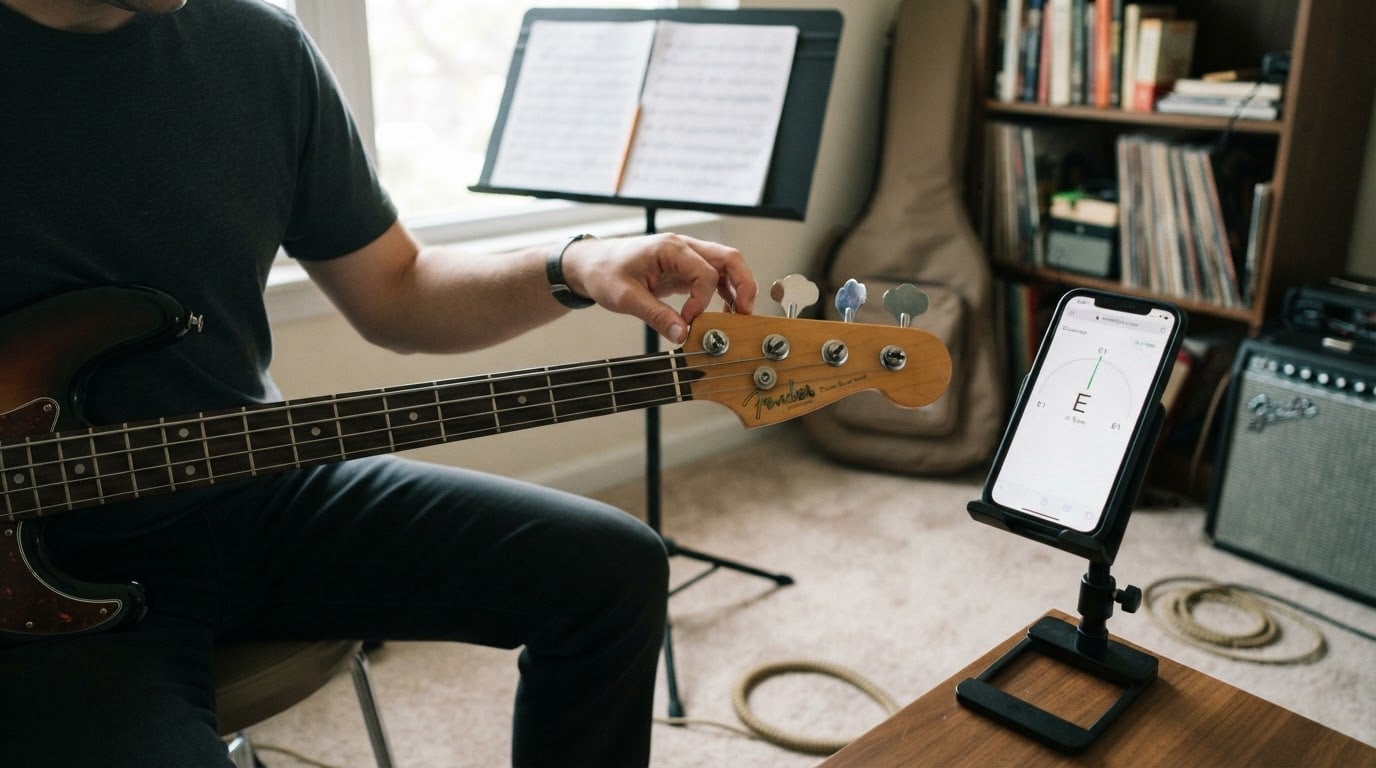
Sharp and flat correction, in practice. Tune up to pitch from below whenever you can. If you overshoot and the string is sharp, loosen it below the note and come back up, rather than dropping down onto the pitch; a string tuned downward tends to creep flat again. On a display with a needle or meter, aim for the center and treat the edge of the in-tune zone as not quite there yet. If the reading wobbles, your pluck is too hard, another string is ringing, or the room is noisy.
The low-string problem. Phone and laptop microphones often struggle with bass fundamentals: E1 at 41 Hz, and especially B0 at 31 Hz. If the tuner will not settle on those strings, play the note at the 12th fret instead — it is the same note an octave higher, around 82 Hz for the E string, which microphones handle easily. Tune the harmonic until it centers, then confirm the open string.
If you would rather not install anything, GuitarTuner.io is a free browser tuner that covers acoustic, electric, and bass guitars. It listens through your microphone and shows whether a string is sharp, flat, or in tune, with no account, paid upgrade, or app download required, and it runs on phones, tablets, and desktop browsers. It is a reasonable default for a quick tune before practice, and it is easy to keep a clip-on tuner or a tuner app as a backup for loud rooms.
Tuning by ear and with reference tones
Ear tuning is slower than a microphone tuner at first, but it works anywhere and it sharpens your sense of pitch. Two methods cover almost every situation.
Match each string to the one below it. Because the strings are a fourth apart in standard tuning, the fifth fret of each string sounds the same note as the open string above it: the fifth fret of the E string sounds A, the fifth fret of the A string sounds D, and so on. On a five-string, the fifth fret of the B string sounds E. Tune your lowest string to a reference, then match each next string to the fifth fret of the one below it.
Listen for the beats. When two notes are close but not identical, you hear a slow throb that speeds up as they drift further apart. Turn the peg slowly; as you approach the correct pitch the wobble slows, and when the notes match it disappears. If the wobble gets faster, you are moving the wrong way.
Using reference tones. A reference tone is a steady note at the pitch you want, from a tuner, a keyboard, or a tone in a browser. Play the tone, listen until you can hear the pitch in your head, stop the tone, then pluck the string and match it. If the tone plays from the same device whose microphone a tuner is using, use headphones or do the two steps one after the other; otherwise the tuner may hear the reference instead of your bass. Reference tones are also the easiest way to set an alternate tuning: play the target notes in order, then check each string.
Tuning a five-string bass
The fifth string is a low B0 at about 30.9 Hz — a fourth below the E string, and the note most likely to give a tuner trouble. Microphone tuners on phones often roll off below the E, so start with the low B, play it at the 12th fret when the open string will not register, and give the tuner a quiet room. Once the B is set, tune up through E, A, D, and G as usual.
Two habits help on a five-string: tune the low B first, because it carries the most tension and shifts the neck most when it changes, and check it again at the end of the pass. If your bass has a six-string setup, the extra string is a high C3 at about 130.8 Hz and tunes like the others.
Common alternate bass tunings
Alternate tunings trade string tension for range or playability. The most common ones on bass:
Tuning | Notes, low to high | What it is for |
|---|---|---|
Drop D | D1, A1, D2, G2 | The lowest string drops a whole step, which makes one-finger power chords and low riffs easy. |
Half step down (E-flat) | Eb1, Ab1, Db2, Gb2 | Matches recordings and singers in flat keys, with a slightly looser feel. |
D standard | D1, G1, C2, F2 | Everything drops a whole step for a heavier, lower sound. |
Drop C | C1, G1, C2, F2 | D standard with the lowest string dropped one more step. |
When you detune, tension drops and strings drift, so retune after a few minutes of playing. If you keep a bass in a lower tuning, a thicker string set and a fresh setup will hold pitch better than loosening standard strings far below their intended range.
Why basses drift out of tune
Basses hold pitch reasonably well, but several ordinary things pull them off:
- New strings stretch. Fresh wound strings stretch for hours or days of playing and go flat repeatedly. Tune, play, retune; the pitch settles.
- Temperature and humidity. A bass that moves from a cold car to a warm room, or between a dry room and a damp stage, changes tuning as the neck and strings adjust.
- A hard pluck. Striking a string hard bends it sharp for a moment, and then it settles back. A tuner fed a heavy attack will read high; pluck normally when you check.
- Slipping at the tuning post. Too few wraps, or a loose wrap, lets a string creep flat under tension.
- Setup and hardware. Neck relief, action, and saddle height all affect pitch; so do loose tuner screws and worn gears. A truss-rod adjustment changes tuning immediately.
- Old strings. Dirt and flat spots make a string harder to read and less stable, even when the hardware is fine.
Check intonation in about a minute
Intonation is whether a string stays in tune as you move up the neck. It is separate from tuning, and it explains a bass that sounds fine open and sour high up. You can check it without any tools beyond your tuner:
- Tune the open string.
- Play the 12th-fret harmonic — the light touch above the fret that rings an octave up — and check it against the tuner.
- Fret the same string at the 12th fret and check that note too.
If the fretted note is sharper than the harmonic, the vibrating length is a little too short, and the saddle for that string should move back, away from the neck. If it is flatter, move the saddle toward the neck. Move in small steps, retune the open string, and check again. Repeat for each string, then play a few notes around the middle of the neck to confirm. If one string needs a large saddle move, or several strings do, the bass is due for a proper setup.
Common mistakes that slow tuning down
- Tuning down to pitch instead of up, which leaves the string likely to drift flat.
- Letting the other strings ring while the tuner listens.
- Plucking hard or near the bridge, which reads sharp.
- Playing a reference tone from the same device that is listening for your bass.
- Trusting a phone mic to catch a low B or E without trying the 12th-fret harmonic.
- Tuning only the strings you plan to play; the neck carries the total tension of all of them.
- Skipping the second pass after new strings or a big tuning change.
Quick answers about bass tuner tools
Is there a free online bass tuner with a microphone? Yes. Browser tuners use the microphone already in your phone, tablet, or laptop, and they are free to open, with nothing to install for the ones built for quick tuning. Accuracy depends on the microphone and the room: a quiet space and a steady pluck give the best results, and the 12th-fret trick covers the lowest strings.
Do I need a tuner app on my phone? Not necessarily. An app can be worth installing if you want your tuner available offline or prefer a cable or clip-on connection for noisy rooms. For a quick tune at home, a browser tuner avoids the download, the sign-up, and the update cycle entirely. Many players keep both: an app or clip-on for gigs, a browser tuner for practice.
Can I use a guitar tuner on a bass? Often, yes, if it is chromatic or has a bass mode — but check its range. The bass low E is 41 Hz and the low B is 31 Hz, an octave below the guitar's low E and below what some guitar-only tuners handle well. A chromatic tuner or a bass preset will lock on more reliably; on a stubborn low string, tune the 12th-fret harmonic.
How often should I tune? Before every practice session, after moving the bass between rooms or vehicles, right after a string change, and between songs at a gig. If you play hard, a quick check between sets costs a few seconds and saves an out-of-tune song.
None of this requires new gear or a download: a browser tuner, a quiet minute, and the target notes above are enough to keep a four- or five-string bass in tune.