What a finished setup looks like
Calibration Reference 001
Set up a metronome in six steps
Complete the steps in order. Each step ends with a check you can see or hear.
Choose your starting tempo in BPM
Pick a tempo slower than your target tempo. Done when the tempo shows one number and you can say what it is.
Pick a time signature
The top number is beats per bar, and the bottom number is the note value that gets one beat. Use 4/4 for most pop, rock, and folk; 3/4 for waltzes; and 6/8 for compound meters.
Confirm beat 1 is accented
Start the click and listen for the first beat of each bar. Done when beat 1 sounds or looks different from beats 2 through the last beat.
Set the volume below your playing volume
Turn the click up until you can hear it while you play, then lower it until it supports your timing without drowning out your instrument.
Play one full bar against the click
Start the metronome, play one bar, and stop. Done when every beat lines up with a click and you finish the bar without speeding up.
Raise the tempo in small steps
Increase the tempo by 5 BPM at a time. Raise it only after the passage is steady at the current tempo. Done when the passage stays steady at the new tempo.
Common problems and fixes
Most timing problems come from a few setup mistakes. Check these first.
Common tempo markings
Tempo marking ranges differ between music sources. These are common conventional ranges.
| Tempo Marking | BPM Range |
|---|---|
| Largo | 40-60 BPM |
| Adagio | 66-76 BPM |
| Andante | 76-108 BPM |
| Moderato | 108-120 BPM |
| Allegro | 120-168 BPM |
| Presto | 168-200 BPM |
Note: Tempo marking ranges vary by source. Use them as a starting point, not a rule.
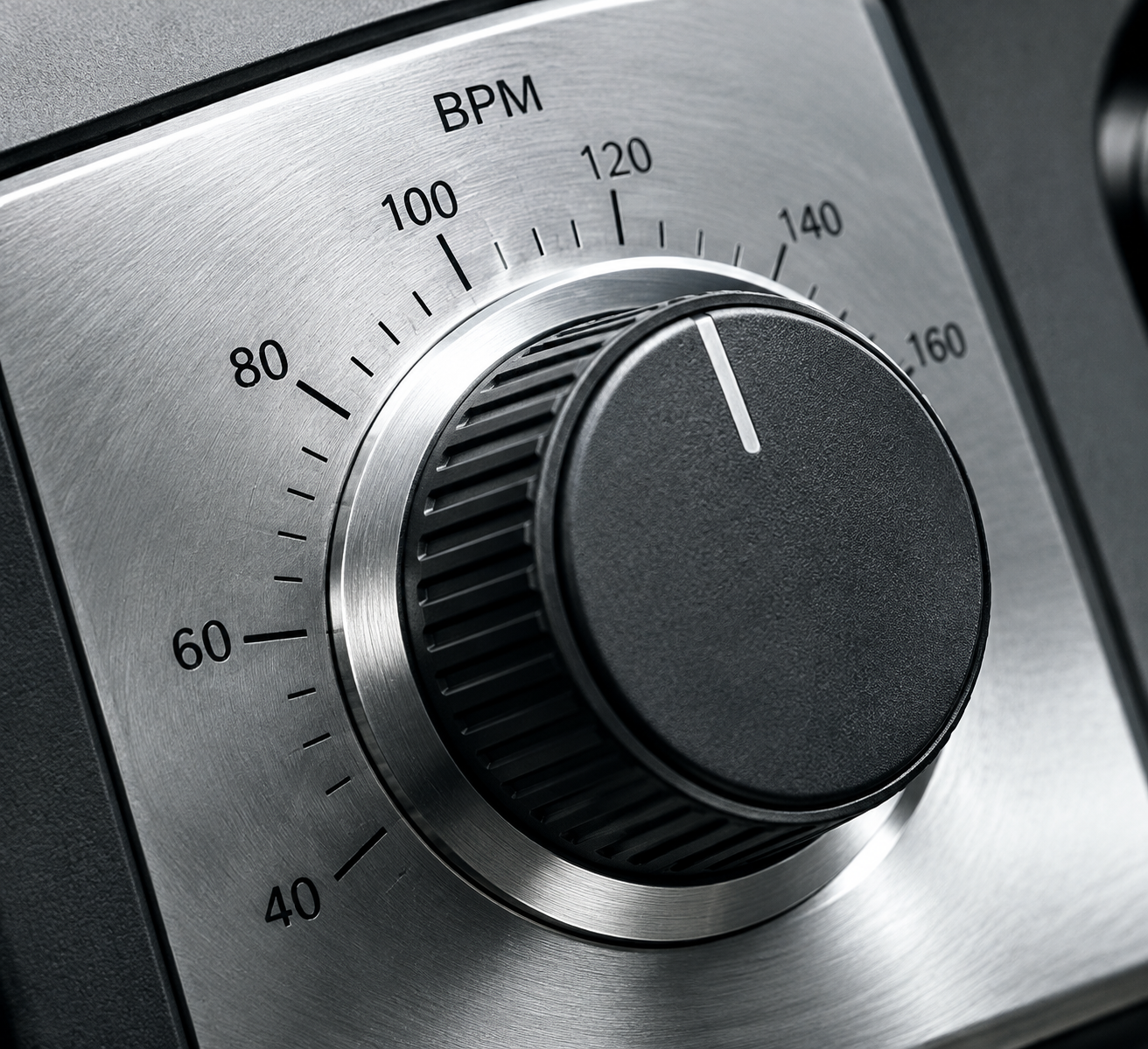
Find a tempo from a song
If you know the feel of a song but not its BPM, tap along to the beat and read the tempo. Use the tap tempo calculator to find a BPM from your taps.
Free tool by Guitar Tuner Lab
Checklist before you practice
- Tempo set in BPMEnsure your starting speed is calibrated.
- Time signature matches the pieceVerify the beats per bar are correct.
- Beat 1 is accentedListen for the distinct downbeat sound.
- Volume is set below your playing volumeBalance the click with your instrument.
- One full bar played steadily against the clickConfirm you are in sync before continuing.
- Next tempo increase planned in 5 BPM stepsPrepare for gradual improvement.
Tune before you practice
A metronome keeps time, but the instrument should be in tune before you start. Read the tuning guide before your next session.
Frequently asked questions
What does BPM mean?
BPM means beats per minute. A tempo of 120 BPM means 120 beats play in one minute.
What is a time signature?
A time signature has two numbers. The top number is how many beats are in each bar, and the bottom number is the note value that gets one beat. 4/4 means four beats per bar, with a quarter note getting one beat.
What tempo should I start with?
Start below your target tempo so you can play every note cleanly. Raise the tempo in 5 BPM steps once the passage is steady.
Why does the click feel out of sync with my playing?
Check that the time signature matches the piece, make sure the browser tab stays active, and close other heavy apps. Then restart the click and play one full bar.
Can I use a metronome on a phone?
Yes, a browser-based metronome works on a phone when the sound is on. Check that the device is not in silent mode and that the volume is high enough to hear.